1W Login Page for Ireland Users

Logging in to your 1W account is straightforward, whether you access the official website from a browser or use the mobile app on your device. You only need your registered credentials, and the process takes seconds once your account has been verified. After signing in, you can place sports bets, play casino games, check your bonuses, and manage your transactions, all within a platform that applies data protection standards and supports two-factor authentication for added security.

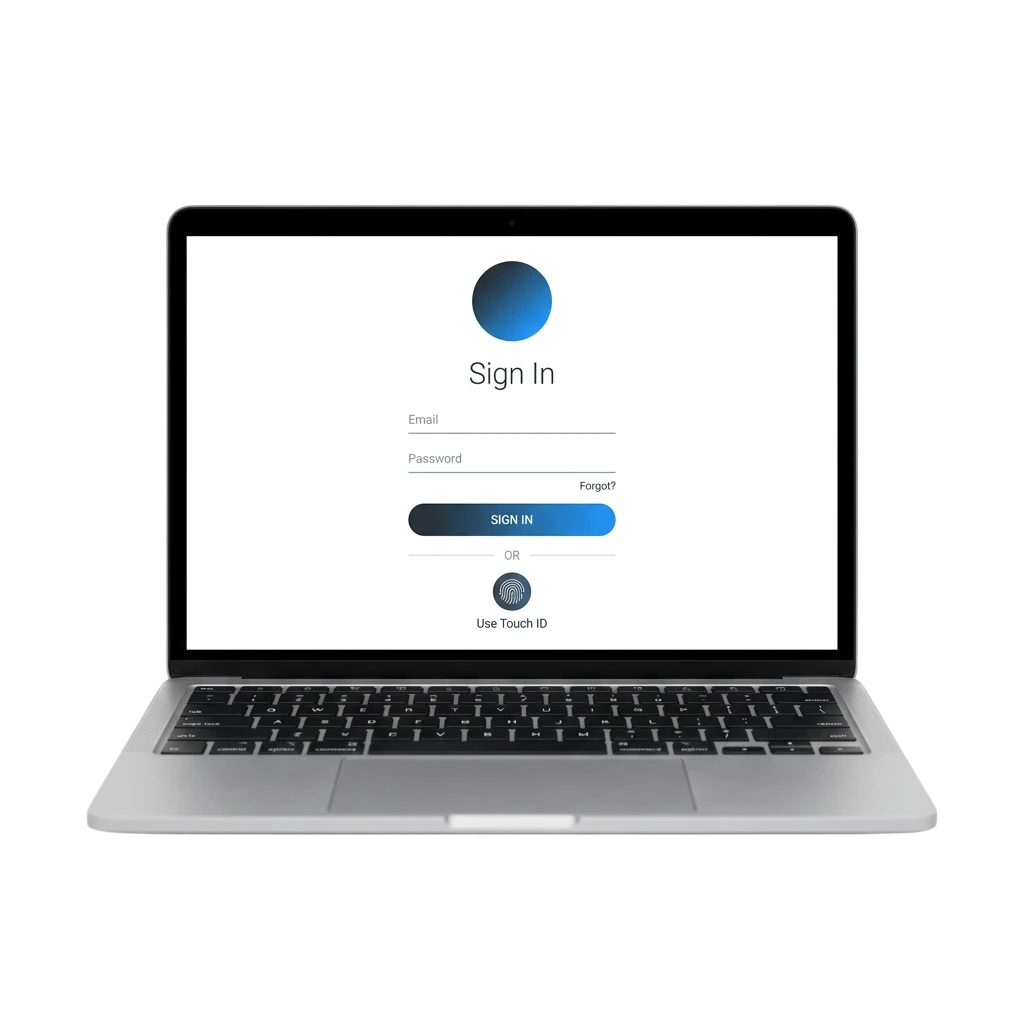
1W login page for Ireland users showing secure account access with sports betting and casino options

1W Account Login Options in Ireland

There are several ways to access your account on the official site, giving you flexibility depending on your device and preferences. Available login methods include: email and password, phone number, Google account, and social login.

Email and Password Login

Logging in via email is the most widely used method on the platform, offering a direct and reliable way to access your personal profile at any time. It requires only your registered email address and password, making it a consistent option across both desktop and mobile.

  1. Go to the 1W official website and click the “Log In” button at the top of the screen.
  2. Enter the email address linked to your account.
  3. Type your password in the designated field.
  4. Click “Log In” to complete the sign in process and access your account.

Login

Login at 1W via App

The 1W mobile app provides a dedicated login experience optimised for smaller screens, with the same account access and features available on the website. The steps below guide you through the full process from downloading the app to completing your sign in.

1.

Download the official 1W app

Download the official 1W app directly from this website by navigating to the app download section and selecting the version compatible with your device.

2.

Install the app

Install the app and open it once the installation is complete.

3.

Tap the “Log In” button

Tap the “Log In” button on the home screen.

4.

Enter your registered credentials

Enter your registered credentials, whether that is your email and password, phone number, or a linked social account.

5.

Complete the log in

Tap the confirm button to complete the log in and access your account.

Login

Possible Account Login Problems on 1W and Their Solutions

Some users may encounter issues during the sign in process, and most of these have straightforward solutions. The table below covers the most common login problems and the practical steps you can take to resolve them.

Problem Solution
Incorrect password Use the “Forgot Password” link on the login screen to reset your password and regain access to your profile.
Account not verified Check your registered email for a verification message and complete the verification step before attempting to log in again.
Account blocked or restricted Contact the support team directly through the official site to find out the reason and follow the steps to restore access.
Login page not loading Clear your browser cache or try a different browser. If using the app, check for updates or reinstall it from this website.
Two-factor authentication code not received Check that your device has network access, verify the phone number or email linked to your account, and request the code again.
1W account login problems and solutions table covering password reset, verification, blocked accounts, and 2FA issues

Recovering a Forgotten Password

If you cannot access your account due to a forgotten password, the recovery process on 1W is quick and can be completed directly through the official website or app.

1.

Click the “Forgot Password” link

Click the “Forgot Password” link on the login page.

2.

Choose your recovery method

Choose your preferred recovery method, either via your registered email address or linked phone number.

3.

Check your email or SMS

Check your email inbox or SMS messages for a password reset link or verification code.

4.

Create a new password

Follow the instructions provided to create a new password for your account.

5.

Return to the login screen

Return to the login screen and use your new password to sign in.

FAQ

Can I stay logged in to my account between sessions?

Yes. You can select the option to remain signed in when logging in from a personal device. For security reasons, it is not recommended to use this option on shared or public devices.

Is my personal information secure when I log in?

Your account is protected by data encryption and, where enabled, two-factor authentication. Your personal information is processed in line with applicable data protection standards.

What should I do if I do not recognise a login attempt on my account?

Change your password immediately using the account settings and contact the support team through the official site to report the activity and request a security review.

Can I use the same account to log in on multiple devices?

Yes. Your account is accessible from any compatible device, whether you sign in through a browser or the mobile app. Your profile, balance, and bonuses remain consistent across all sessions.

Why am I being asked to verify my identity again after logging in?

Additional verification may be requested as part of standard security checks or to comply with responsible gambling and KYC requirements. Follow the on-screen guide to complete the verification step and restore full access to your account.

Updated: